ADHD Digital Planner App 2027 | Brain Dump, Focus Timer & Budget Tracker | iPhone, Android, and PC
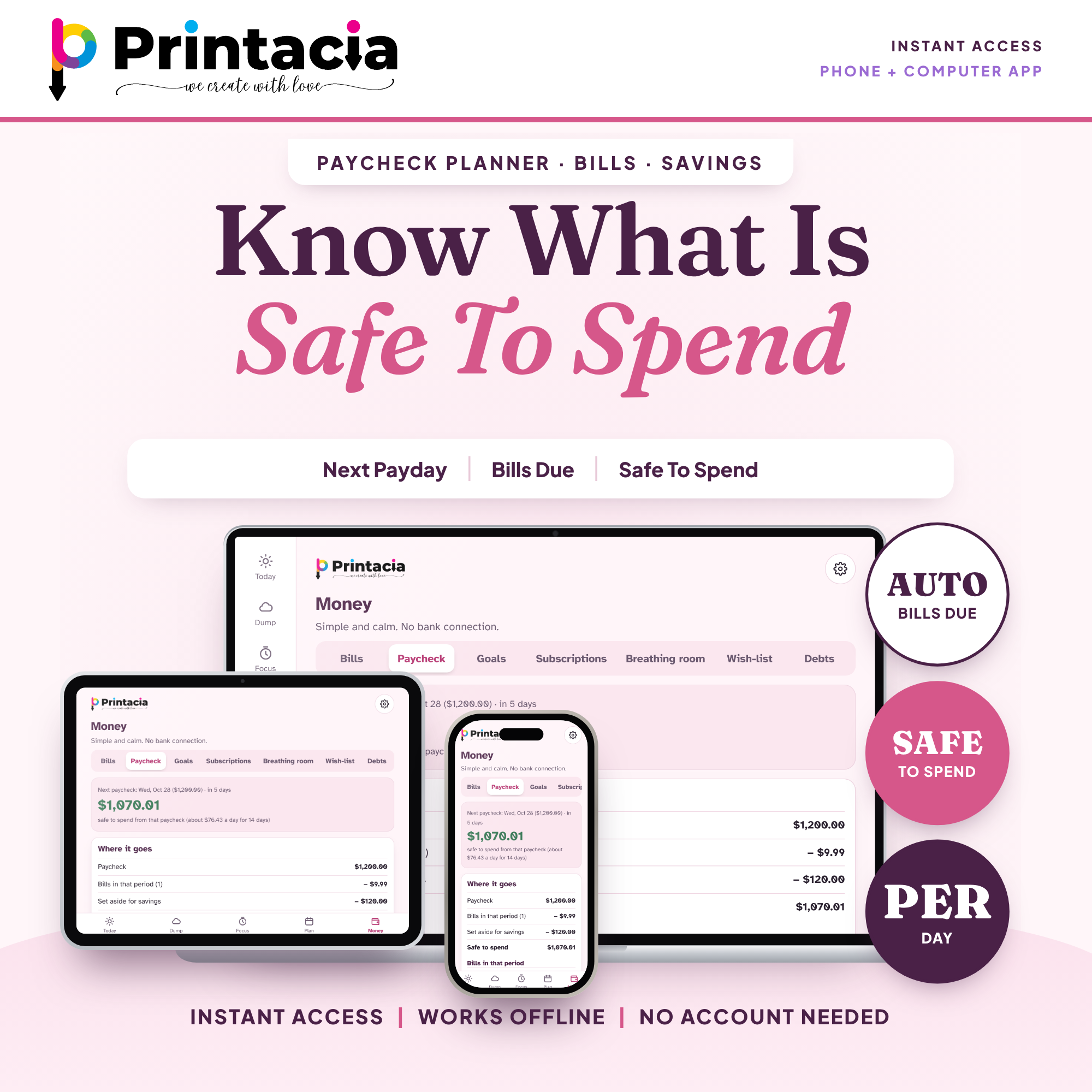
Money feels loud when your brain is busy. This ADHD budget planner app makes it quiet: add your paycheck and your bills, and it shows what is SAFE TO SPEND until payday. No spreadsheet, no formulas, no guilt.
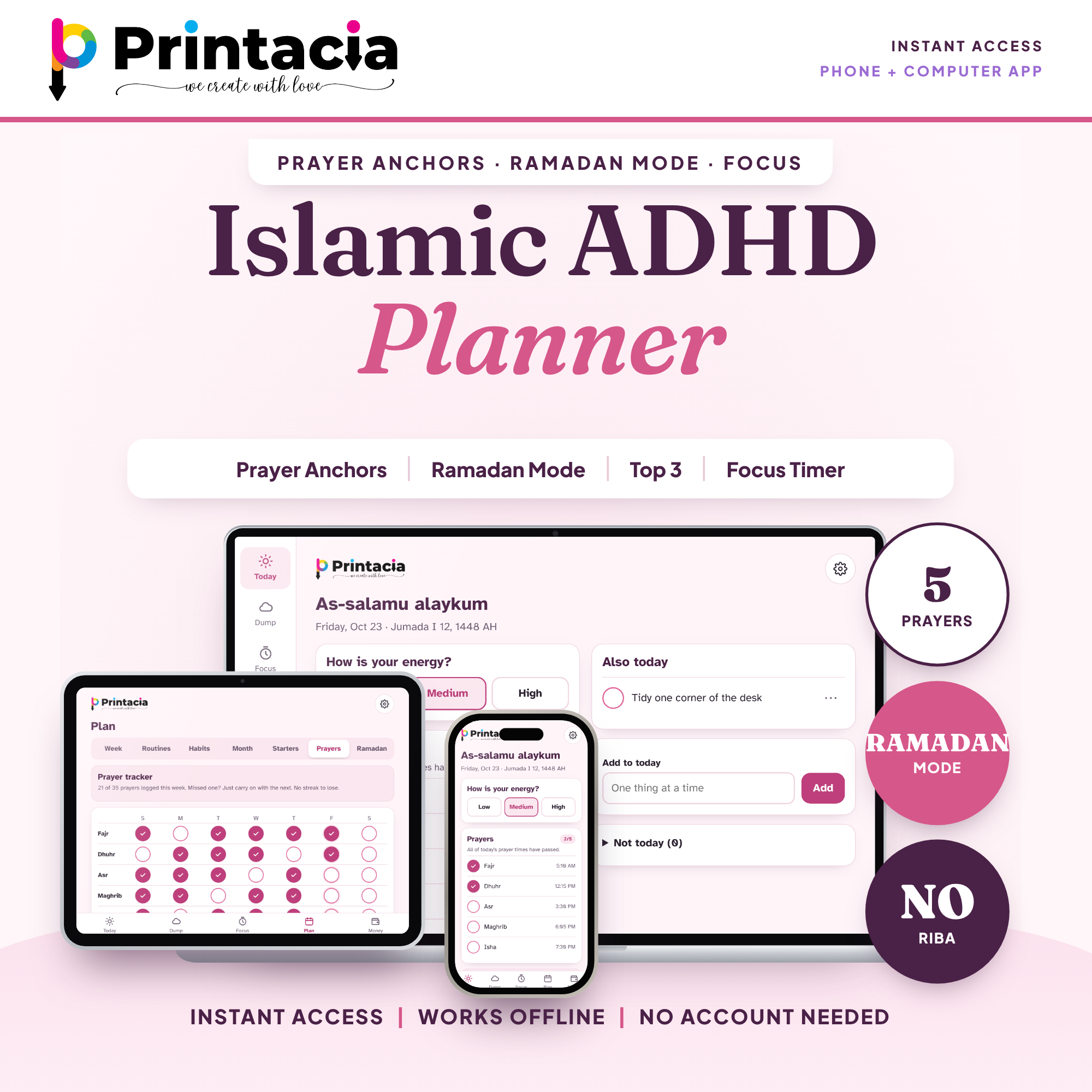
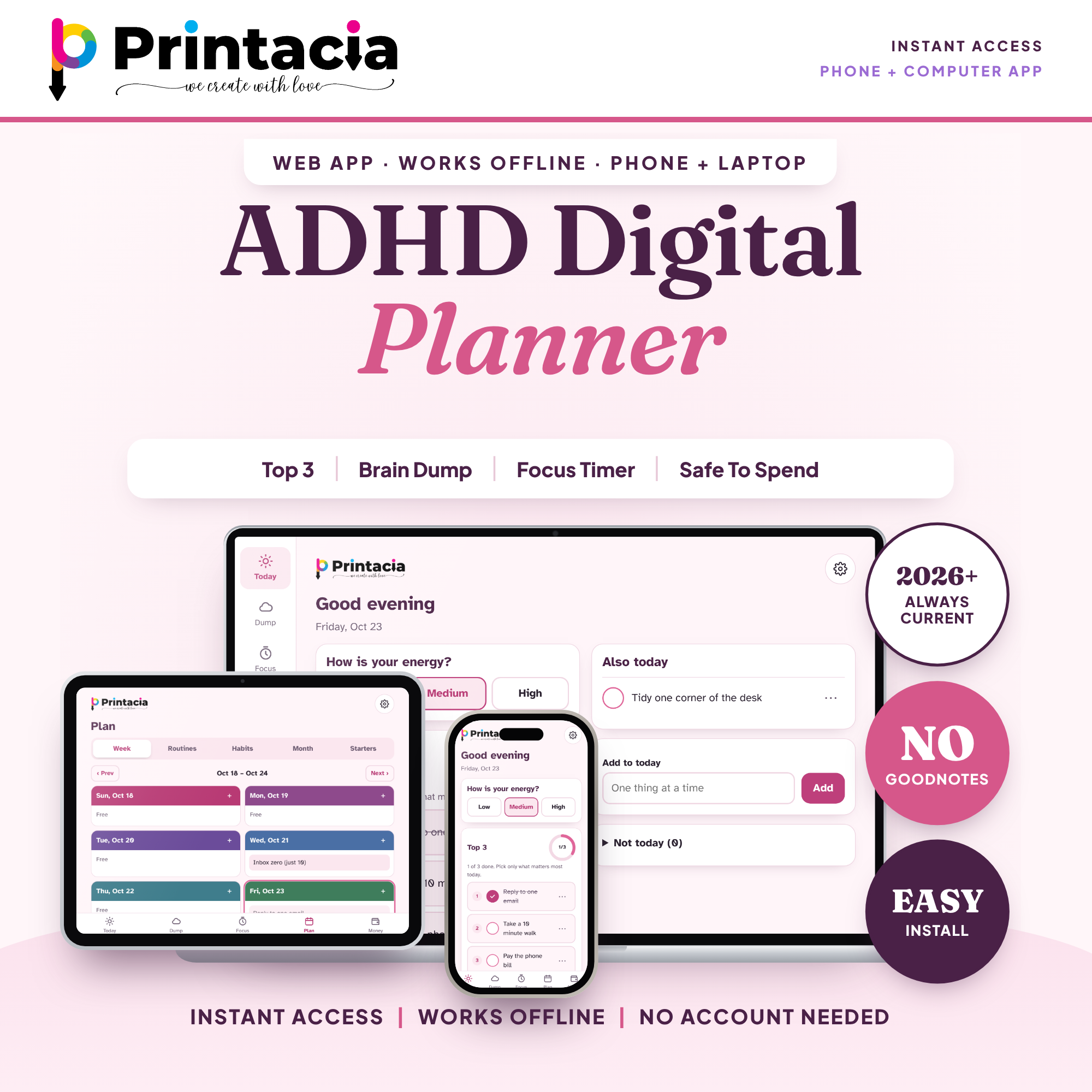
A paycheck budget, bill tracker and ADHD daily planner in one calm web app for your phone, tablet and computer. No subscription, no account, and it works offline once installed.
$7
$14
Save 50%
One-time payment. Instant digital download — nothing is shipped.
Money feels loud when your brain is busy. This ADHD budget planner app makes it quiet: add your paycheck and your bills, and it shows what is SAFE TO SPEND until payday. No spreadsheet, no formulas, no guilt.
A paycheck budget, bill tracker and ADHD daily planner in one calm web app for your phone, tablet and computer. No subscription, no account, and it works offline once installed.
In 5 minutes you can
Enter your pay and your next payday.
Add your bills (the app counts the ones due before your next paycheck).
See your SAFE TO SPEND amount, plus a per-day number.
Your money, made simple
Paycheck budget: pay, payday, bills due and what is left.
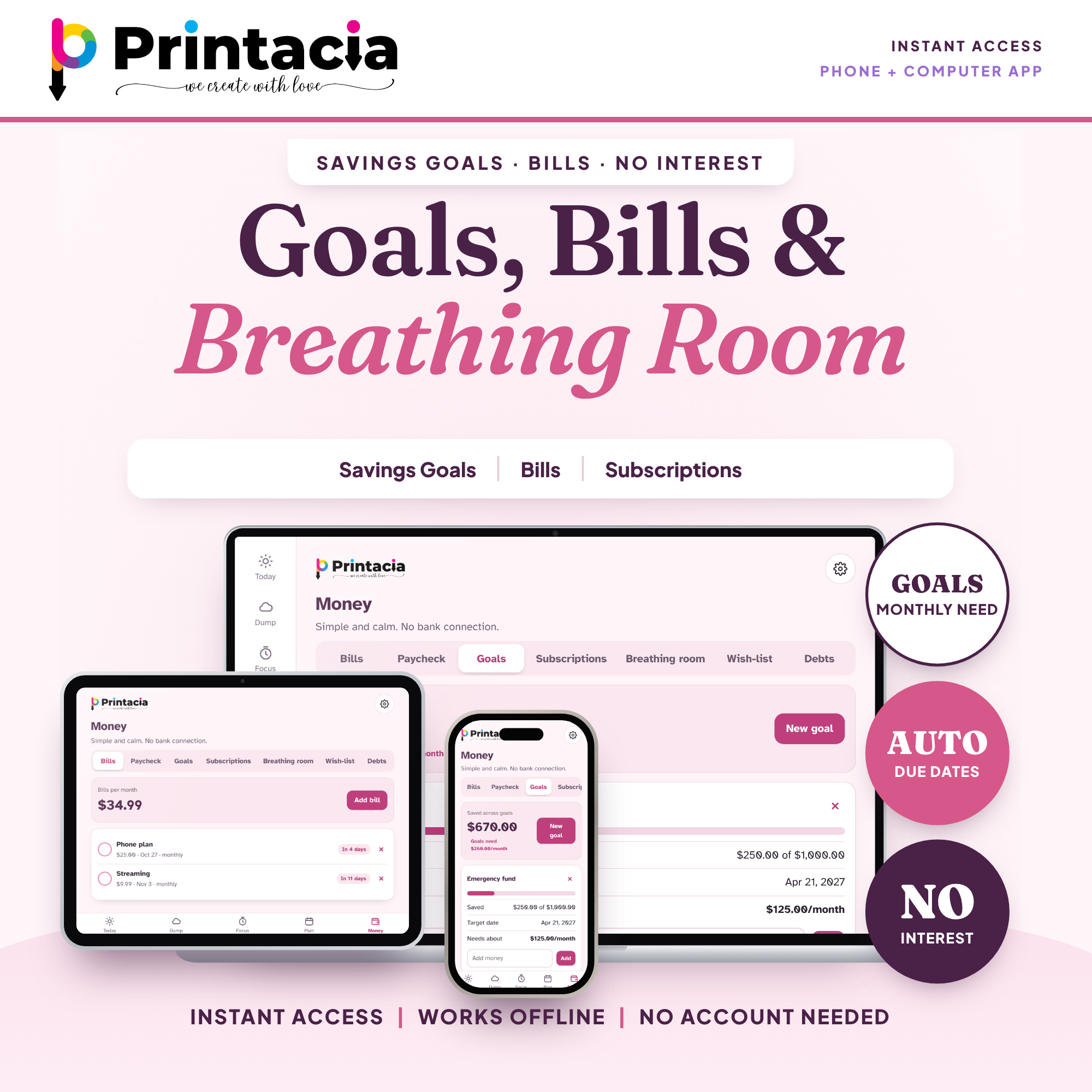
Bill tracker: due dates and a heads-up when a bill is close.
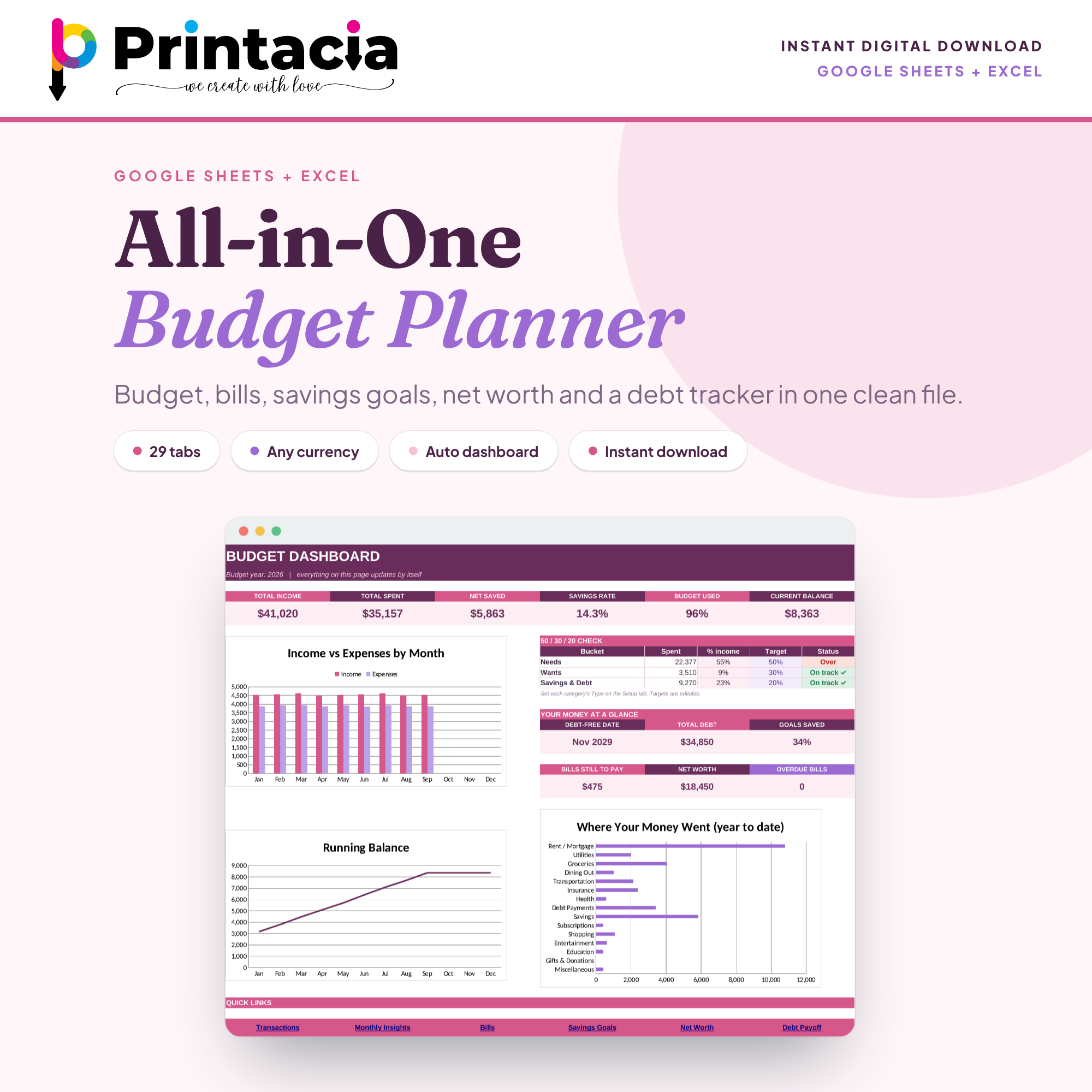
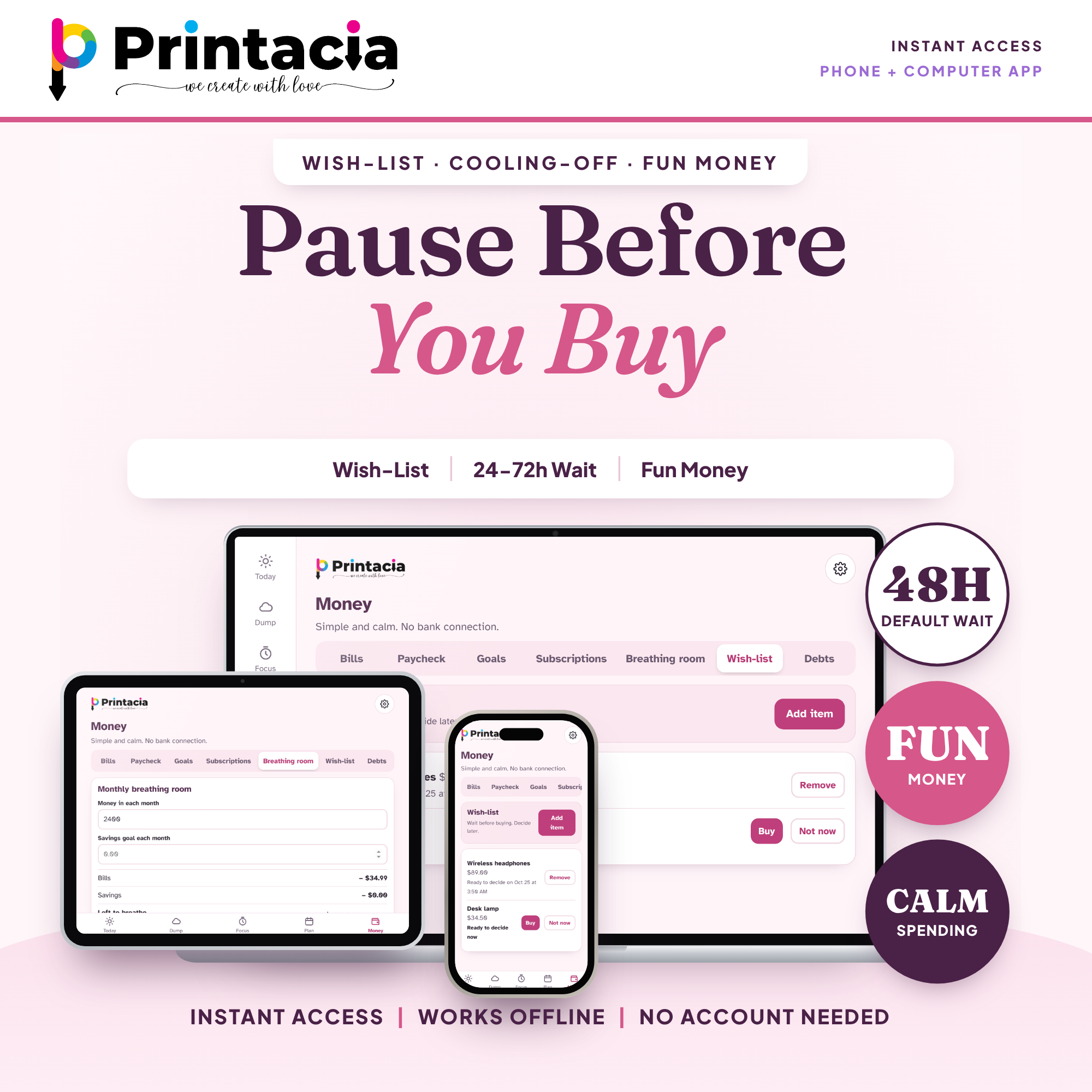
Monthly budget view: your monthly breathing room at a glance.
Savings tracker: goals with the monthly amount each one needs.
Subscriptions, fun money and wish-list: pause before you buy with a built-in cooling-off wait.
Debt tracker: balance only. There are no interest fields or interest calculations anywhere.
Your day, made kinder
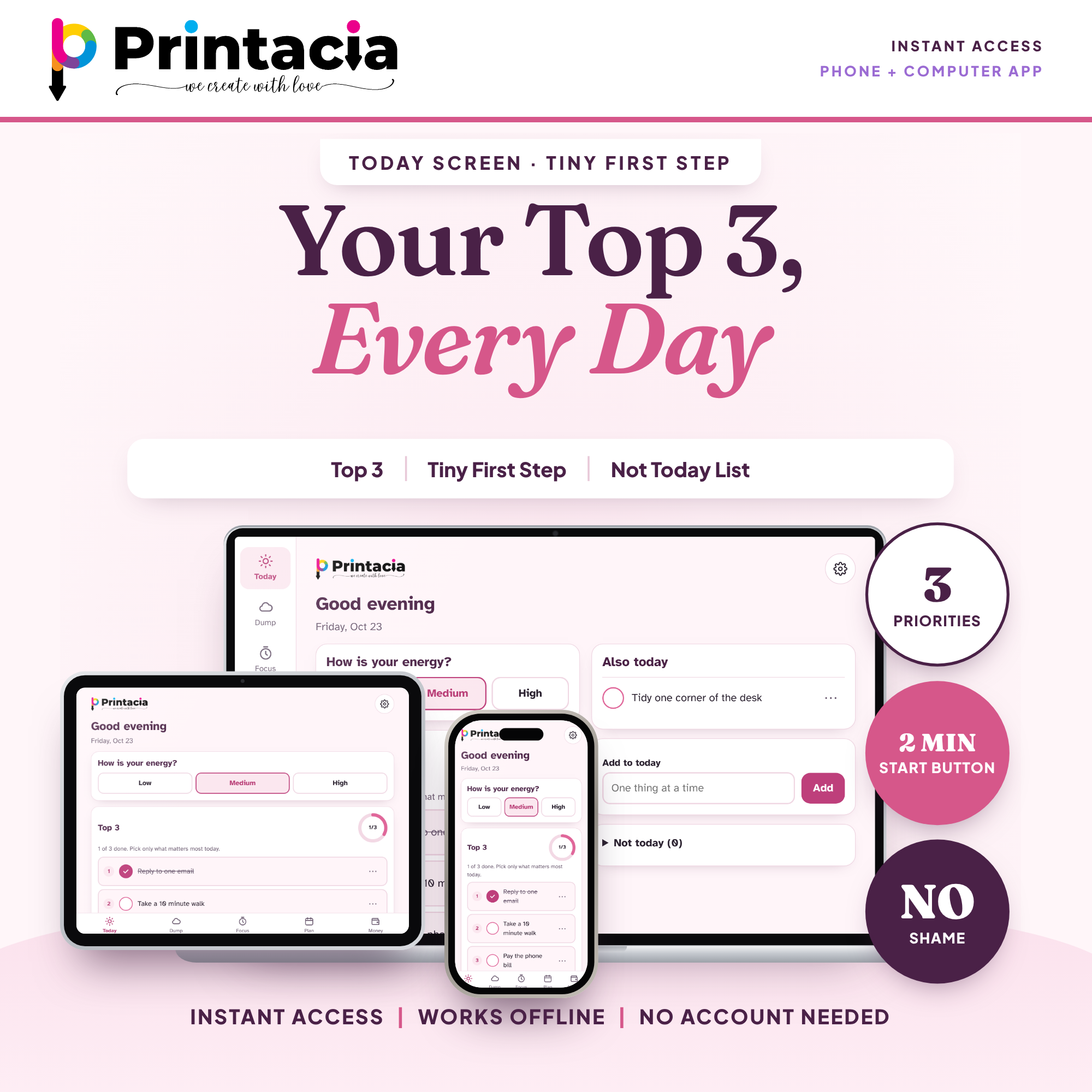
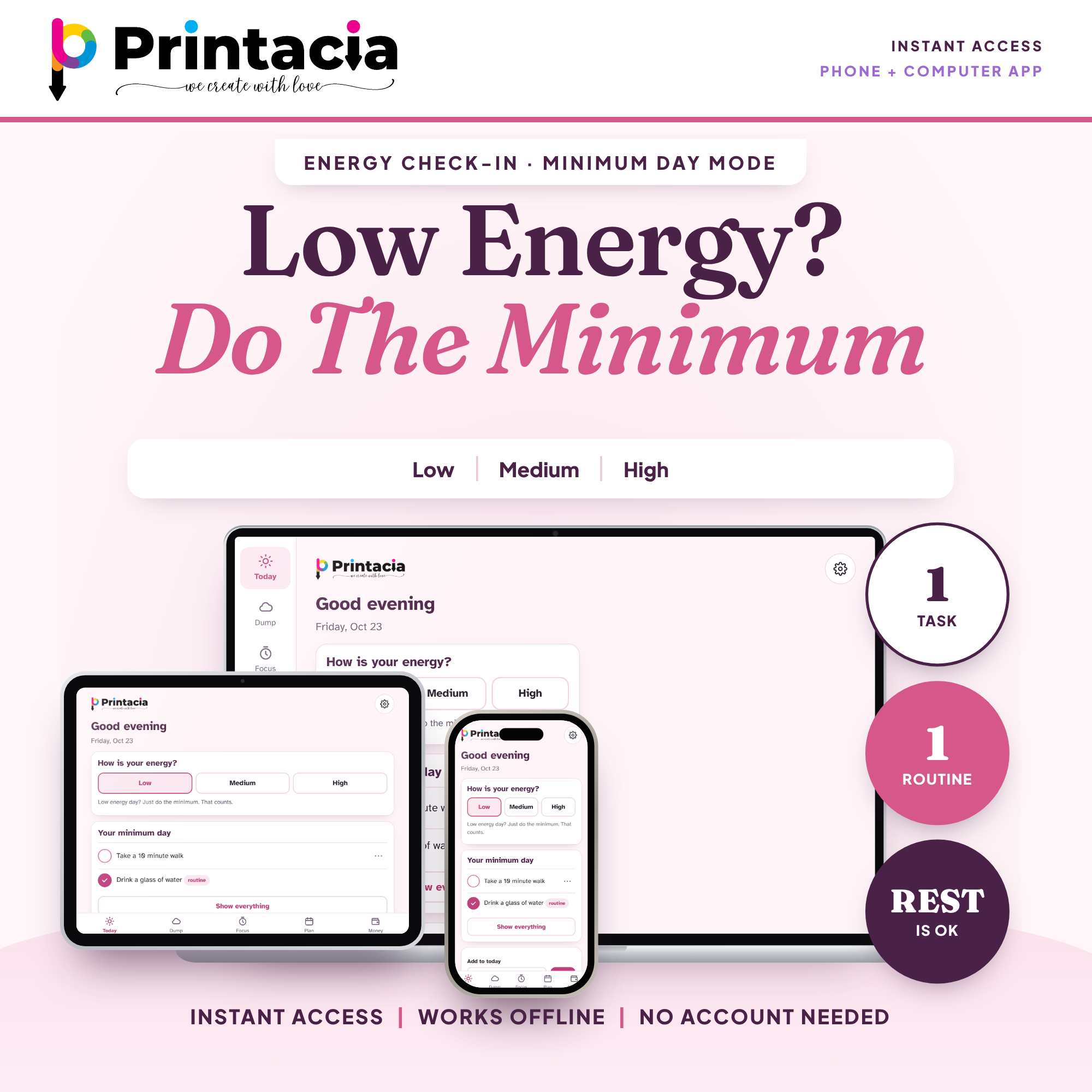
Today: your Top 3, a tiny first step, and a "Not today" list with no shame. On a low-energy day you see a minimum day only.
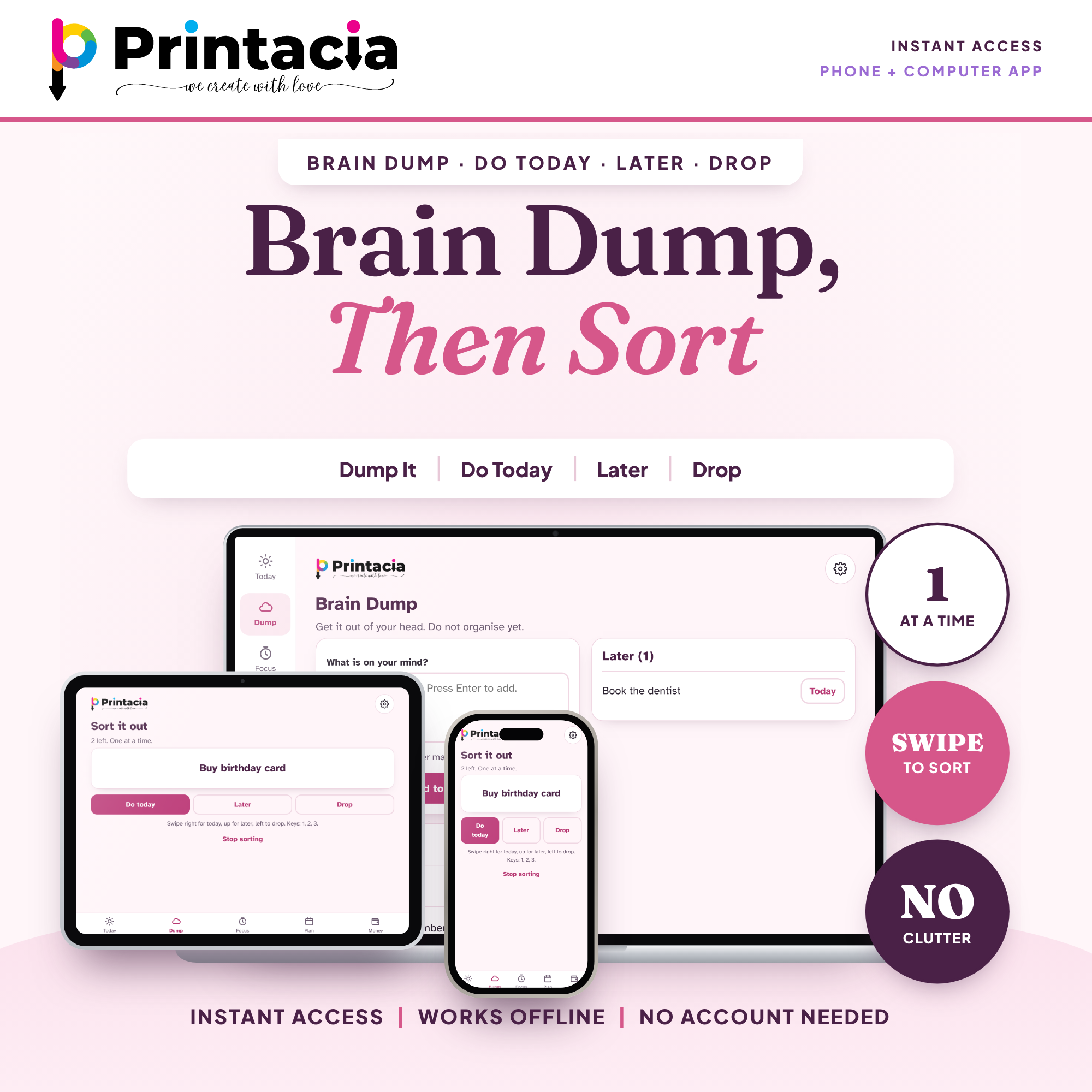
Brain Dump: type everything, then sort it one item at a time: Do today, Later or Drop.
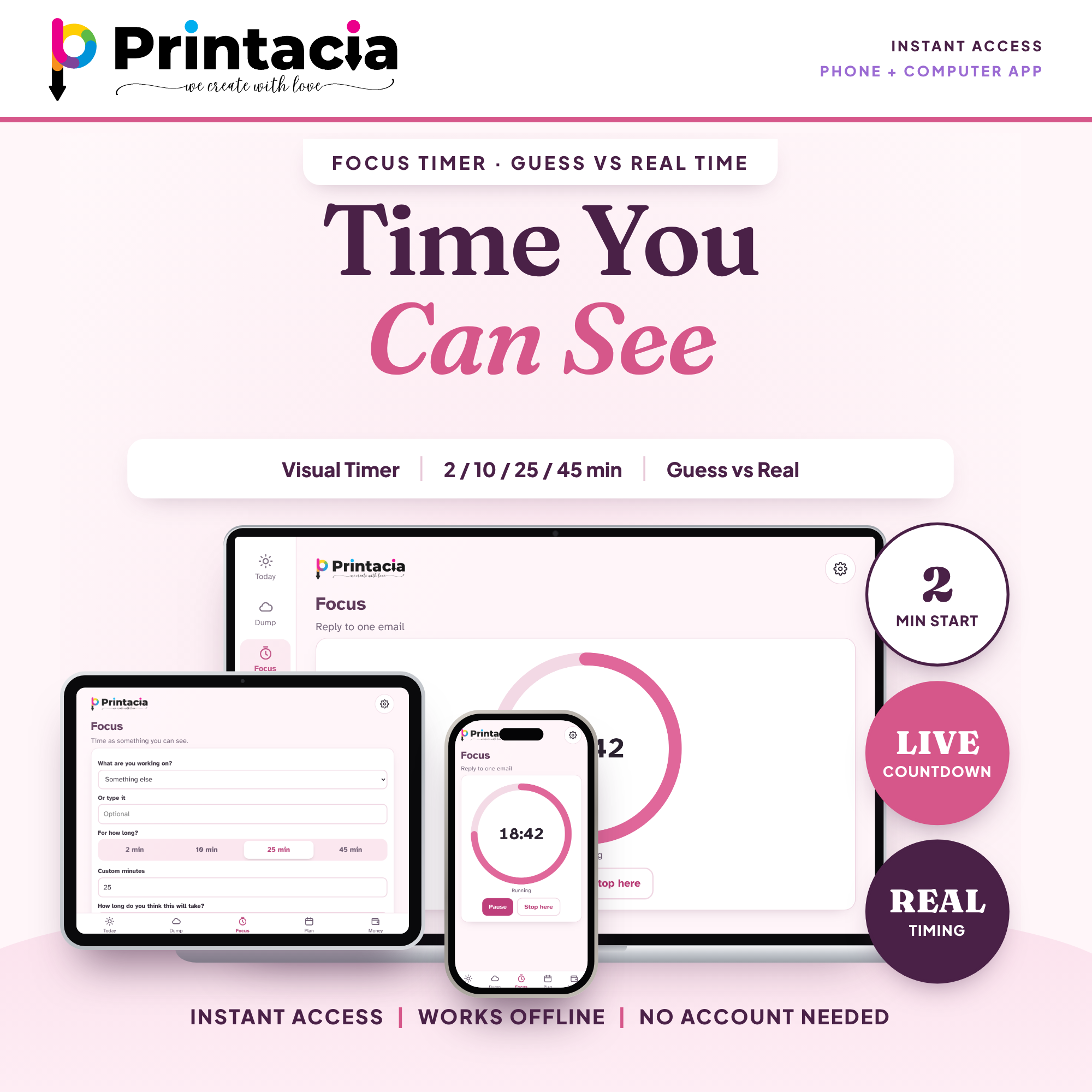
Focus Timer: a visual countdown. Guess the time, then see the real time.
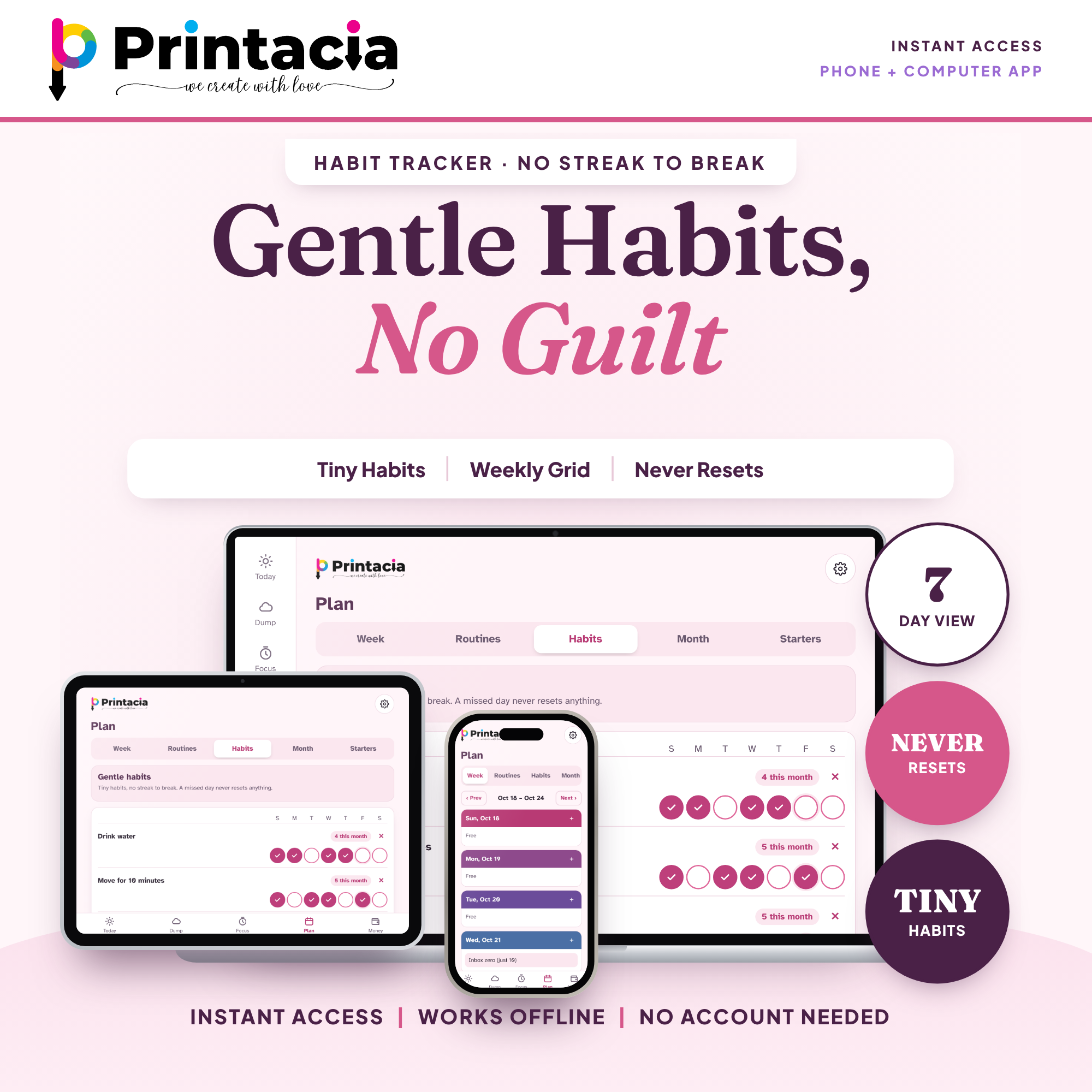
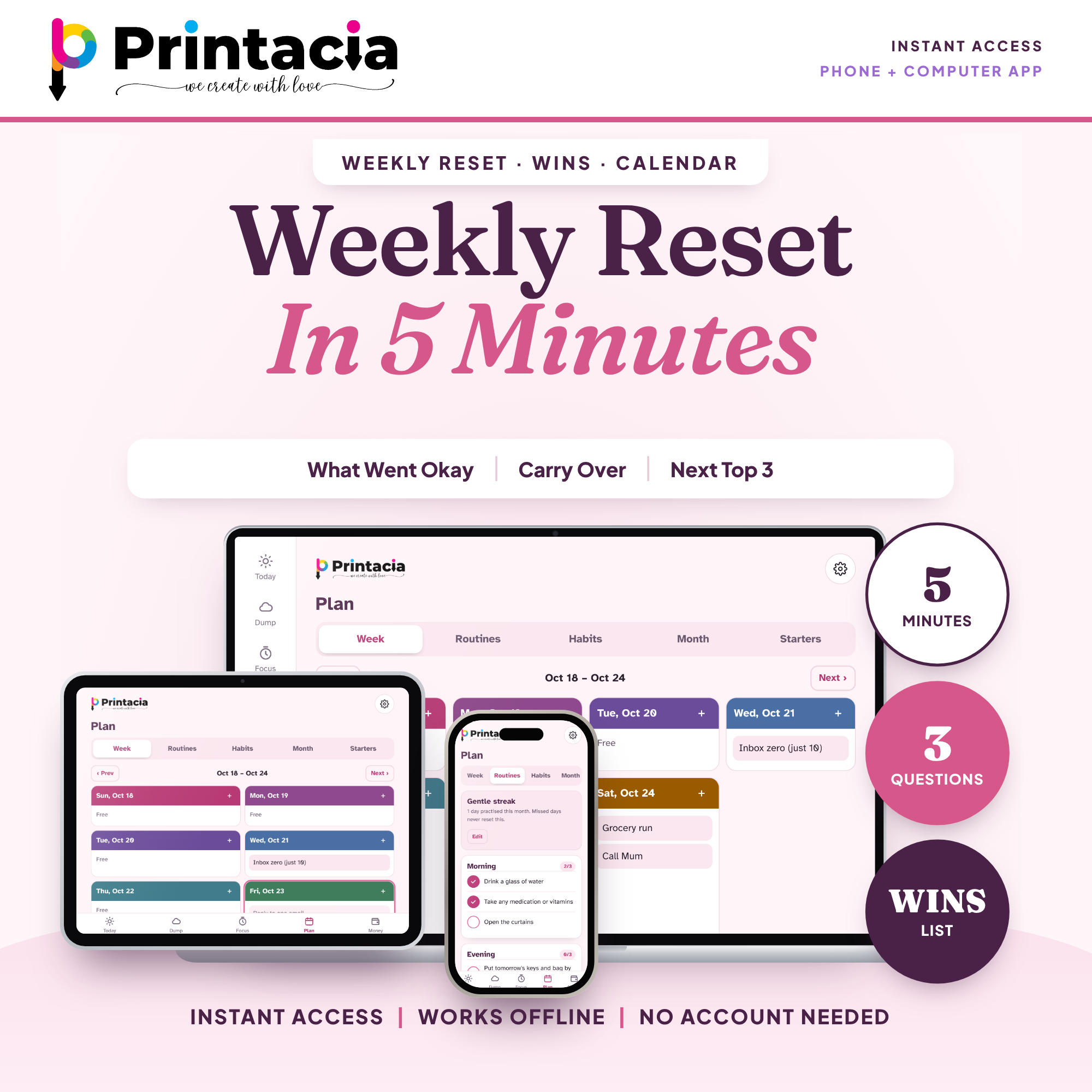
Habits and routines: tiny habits in a weekly grid with no streak to break.
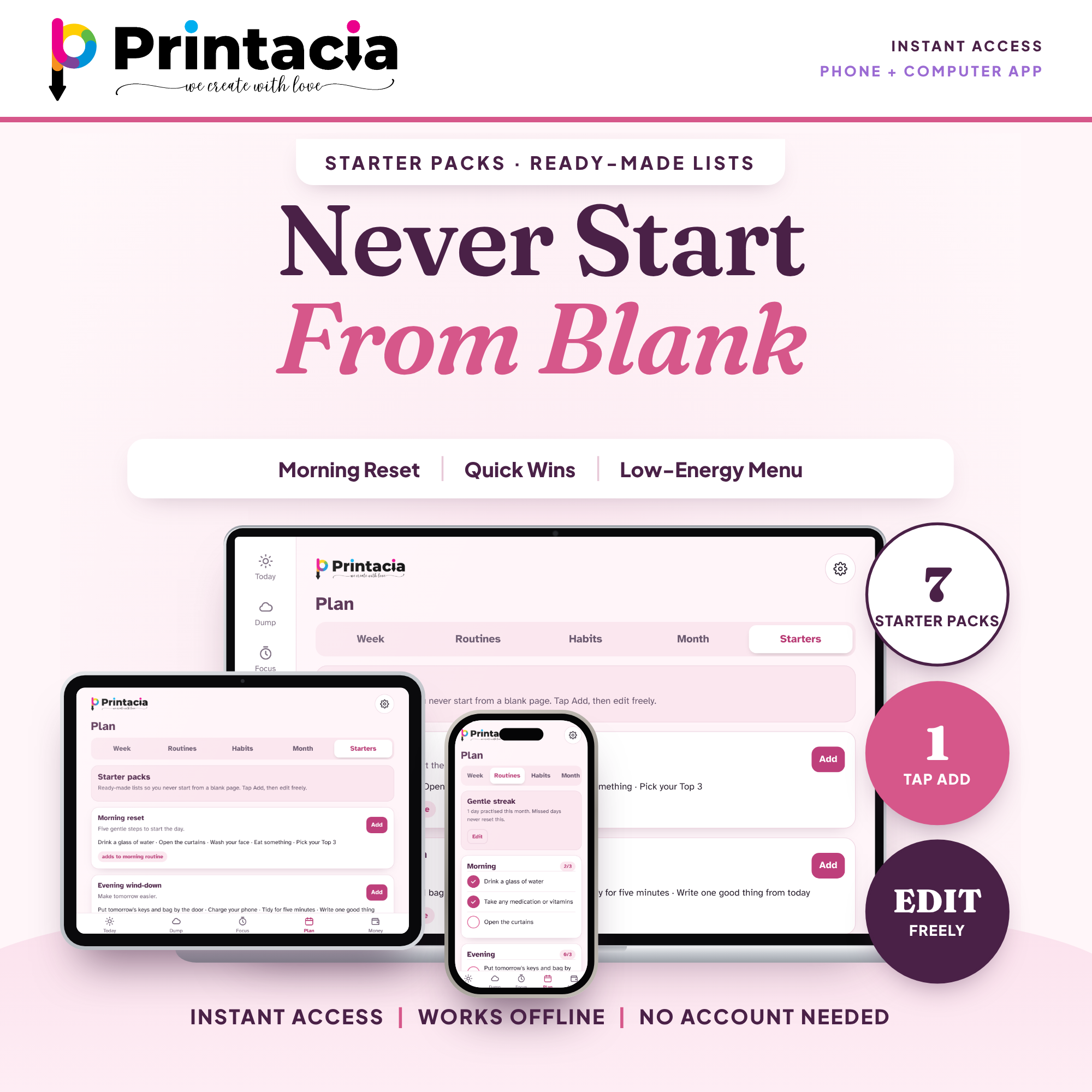
Starter packs: morning reset, quick wins, payday checklist and more. One tap to add, then edit.
Weekly Reset: a 5-minute check-in with a wins list.
Gentle reminders (optional): bills due soon and your daily Top 3.
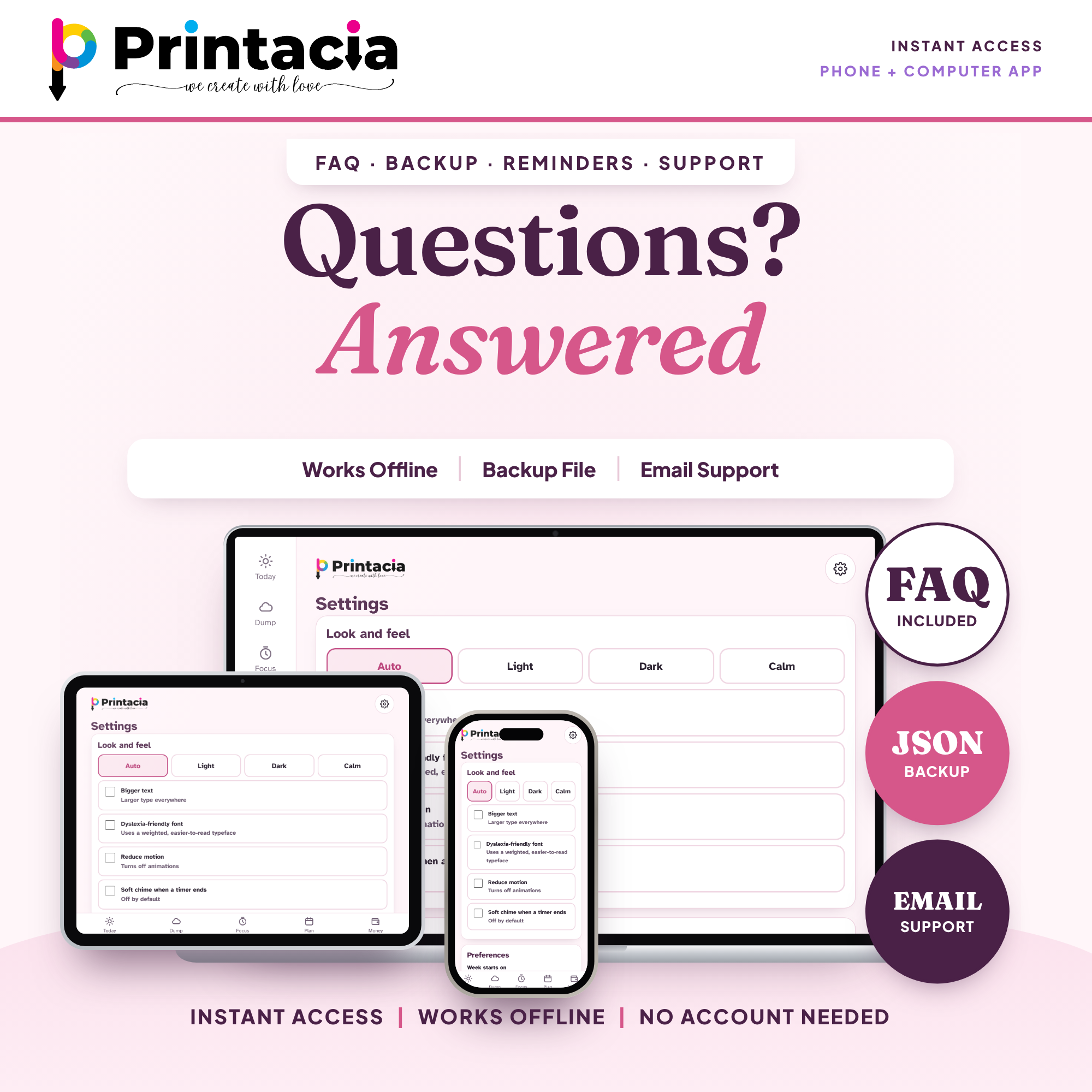
Comfort settings: light, dark and calm themes, bigger text, dyslexia-friendly font.
Is it right for you?
Yes, if you want a simple, calm way to see what is left after bills and to plan your day.
This is a planner, not accounting software. It does not connect to your bank and does not log every transaction. It is a web app, not a printable, not a spreadsheet and not a GoodNotes file.
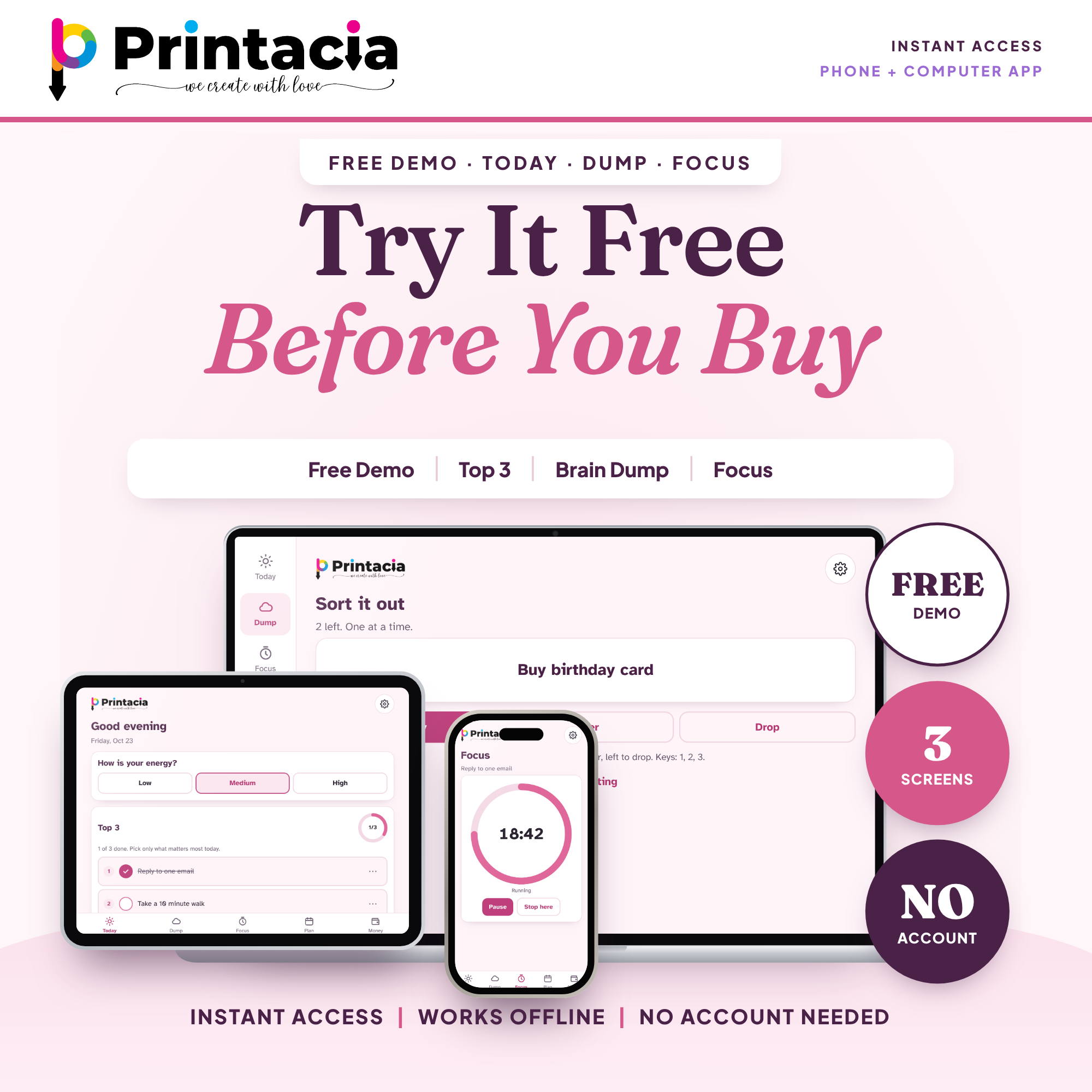
Want to try it first?
Open the free demo (Today, Brain Dump and Focus screens): try.printacia.com
Details
Product type: digital planner web app (installs on your home screen) plus a printable bonus PDF
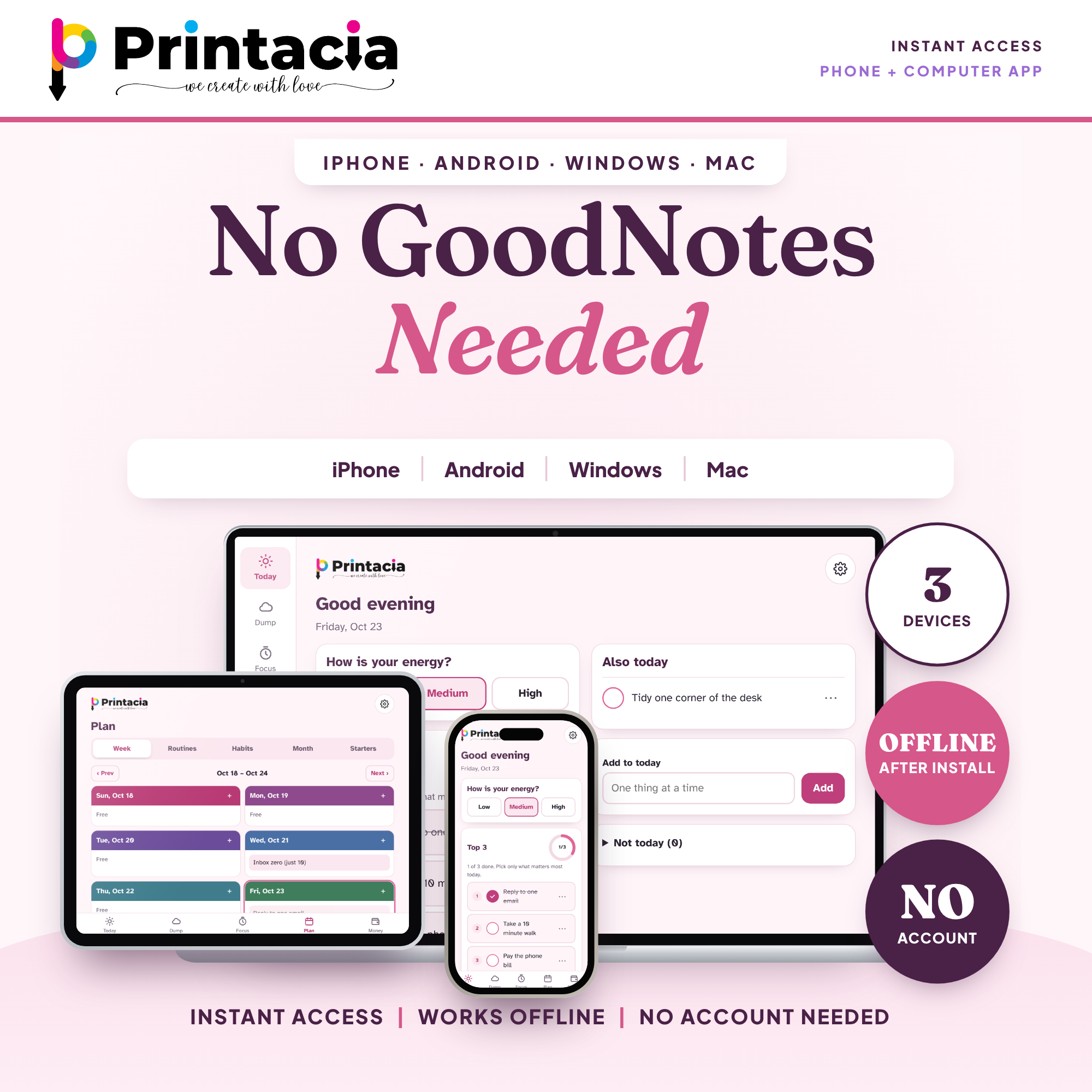
Works on: iPhone, iPad, Android, Windows, Mac and Chromebook, in Safari, Chrome or Edge
Software needed: any modern web browser. No app store, GoodNotes or Notability needed
Format: web app with a personal license key, ZIP (one HTML file for desktop), PDF
Date range: undated, so it works for 2026, 2027 and every year after
Week start: choose Sunday or Monday in Settings
Currency: change the currency symbol in Settings
Editability: fully editable, you type directly in the app
Layout: adapts to phone, tablet and computer screens
Printable bonus pack: 4 pages
For: adults and students with ADHD or a busy mind, anyone who wants a calm planner
License: personal use only. Please do not share or resell
Private by design
No tracking and no bank connection. What you type stays on your own device. Save a backup file now and then (Settings > Export backup).
What you receive
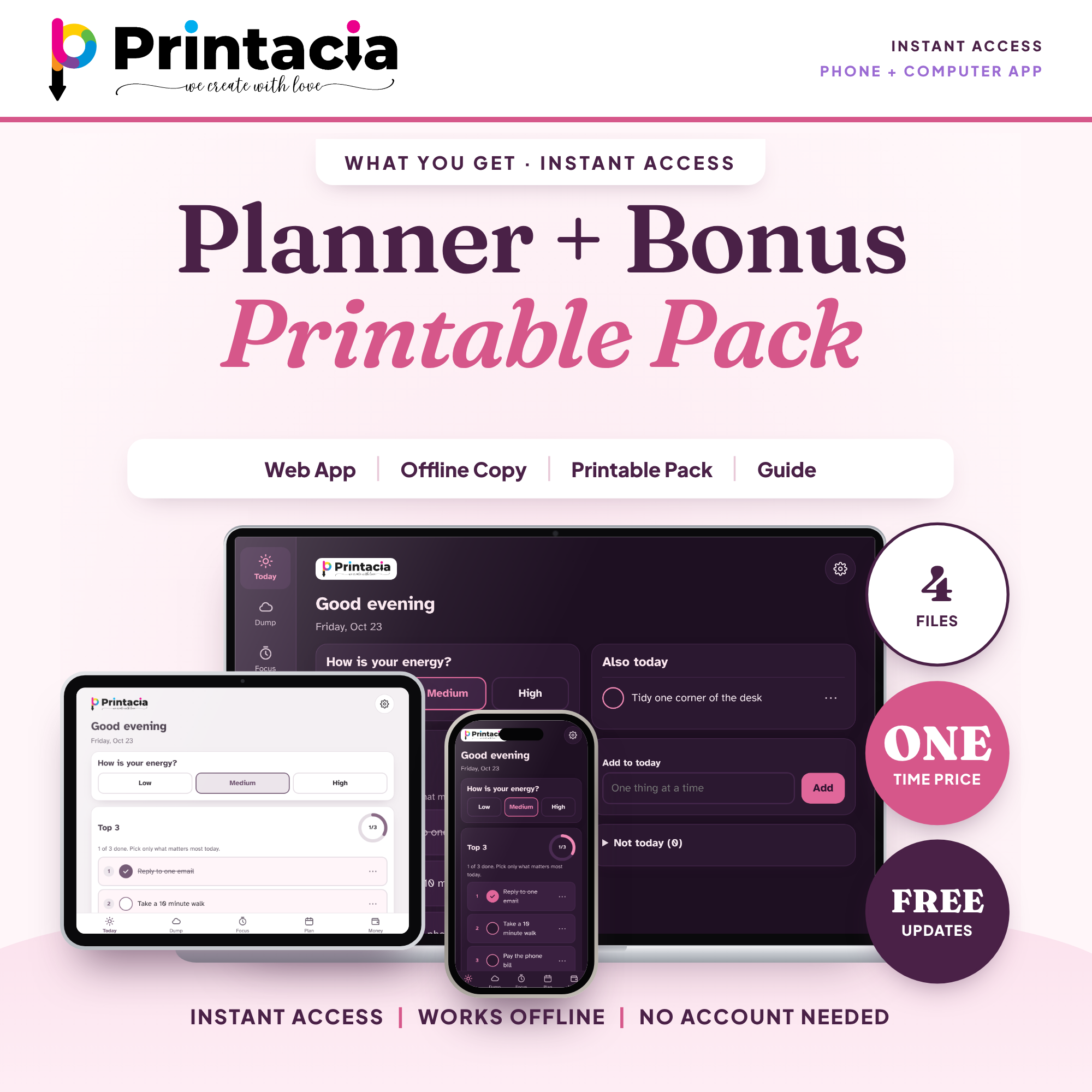
Instant access to 3 files plus your key:
Start Here PDF with your private app link and install steps
Printable Bonus Pack PDF: Daily Top 3, Weekly Reset, Brain Dump + Sort, Payday + Safe To Spend
Offline desktop copy (ZIP containing one HTML file)
Your personal license key, shown on your order page and sent to your email as soon as your payment is confirmed
Free updates to the planner are included.
How it works
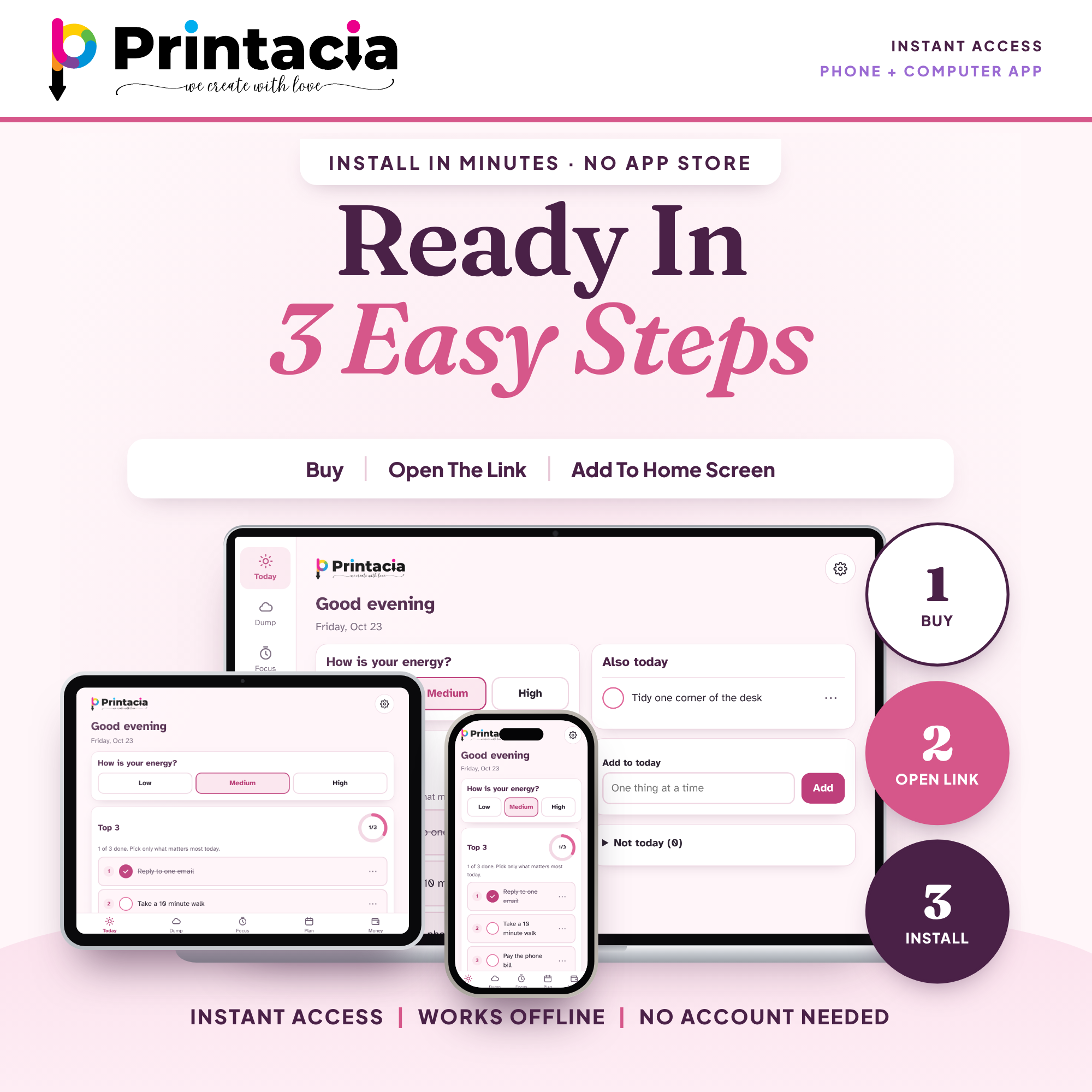
Buy and download the files.
Open your private app link and enter your license key.
Tap Add to Home Screen. Done.
Good to know
Your license key is personal and works on up to 3 of your own devices. Please do not share it.
Your data is saved on the device you use. To move to a new device, export a backup and import it there.
Digital product: nothing is shipped. Because it is an instant download we cannot offer refunds, but if anything does not work, message us and we will help you quickly.
A planning tool only. It is not medical or financial advice and does not diagnose, treat or cure anything.
Designed by Printacia with AI assistance under our creative direction. Product images were created with AI-assisted design.
Made with love by Printacia.
How you get it
1. Add to cart & pay
Checkout in a minute — no account needed.
2. Download instantly
Your files appear on screen and arrive by email.
3. Print & enjoy
Print at home or at a print shop, as often as your licence allows.
Questions about this printable
A digital download (see the format above). Nothing is shipped to you. You print it yourself at home or at a print shop.
Right after your payment is confirmed. PayPal is about a minute; bank transfer, JazzCash and EasyPaisa are checked by us first, usually within a few hours.
Up to 10 prints for personal use or one classroom. It may not be shared or resold. See the licence for details.
Message us and we will fix or replace it quickly. If we cannot, you can get a refund — see our refund policy.
We would like to use Google Analytics cookies to count visits and see which pages are useful. They stay off unless you accept, and the shop works the same either way.
Privacy policy
 -50%
-50%